User Profile
Allows users to view profile information and securely log out from the IDE.
User Profile and Logout Panel
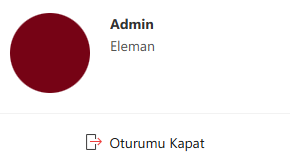
The User Profile panel is accessed by clicking the user avatar or name in the top-right corner of the Synergy IDE interface. This panel displays the user’s name and provides quick logout functionality.
Profile Elements
- Profile Picture: A circular avatar is displayed.
- Username: The name of the logged-in user (e.g., Admin).
- Position: The user’s role or title in the system (e.g., Engineer).
- Logout Button: Located at the bottom of the panel, marked with a red exit icon.
Behavior
- When the Logout button is clicked, the session is terminated immediately, and the user is redirected to the login screen.
- All session data is cleared during logout to ensure a secure exit.